
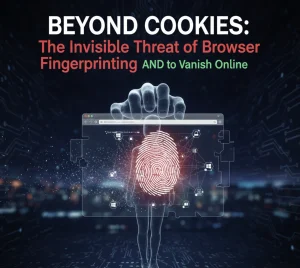
Today, a far more persistent and invasive technique is used: Browser Fingerprinting.
Browser Fingerprinting is a method that gathers dozens of non-identifying data points about your device—your screen resolution, list of installed fonts, graphics card, operating system version, and even how your device renders graphics. When combined, these data points create a unique digital “fingerprint” that can track you across websites and sessions, even if you delete your cookies, use a VPN, or browse in incognito mode.
This article dissects the mechanism of this invisible tracking method and provides actionable steps to make your digital identity virtually indistinguishable.
The core power of fingerprinting lies in the subtle differences between identical-looking systems. No two computers are exactly alike, even if they run the same software:
This technique uses your browser to quietly draw a hidden, pixelated image. Because devices have slight variations in graphics card drivers, operating systems, and rendering engines, the final image output contains tiny, unique distortions. This unique output acts as a perfect, persistent identifier.
Trackers collect a long list of technical details:
When 50–100 such data points are collected, the combination is statistically unique to your device, often with 99.9% accuracy.
Fingerprinting is far more dangerous than traditional tracking:
The goal is not to eliminate your fingerprint, but to make it generic—to make your browser look like thousands of others:
Browser Fingerprinting represents the cutting edge of digital surveillance. It has turned your device’s technical specifications into your most permanent online identifier. By understanding the threat and proactively adopting privacy-focused browsers and tools, you move from being a uniquely identifiable target to a generic face in the crowd—reclaiming your anonymity in the perpetual online tracking game.
We provide a free, reliable, solution for receiving SMS OTP messages online. Our service allows users to protect their private phone numbers by utilizing our vast pool of disposable virtual numbers for online verification, account registration